Text Power Tools
A practical Google Sheets add-on for cleaning and reshaping text directly in your spreadsheet.




Key Features
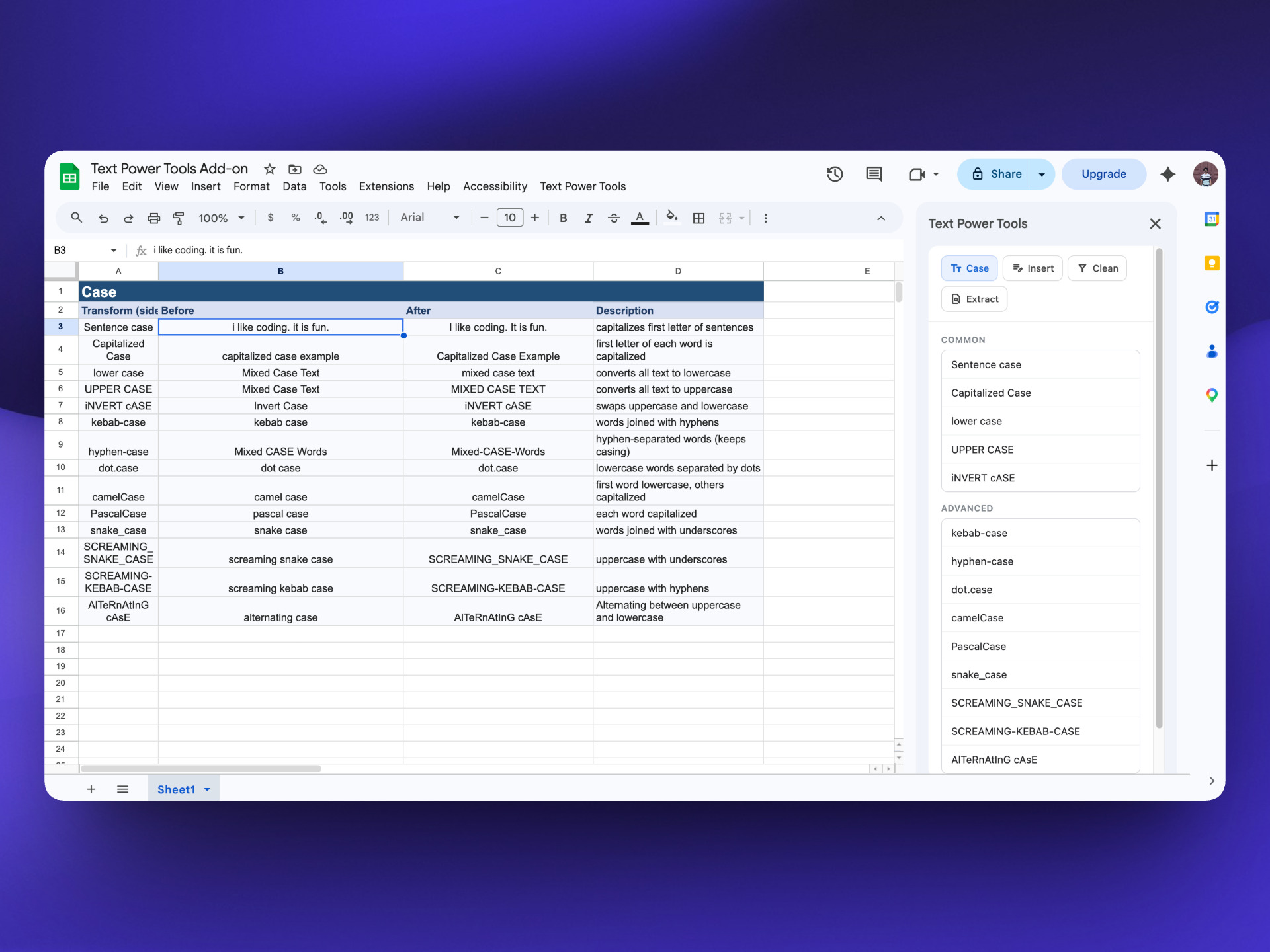
Case
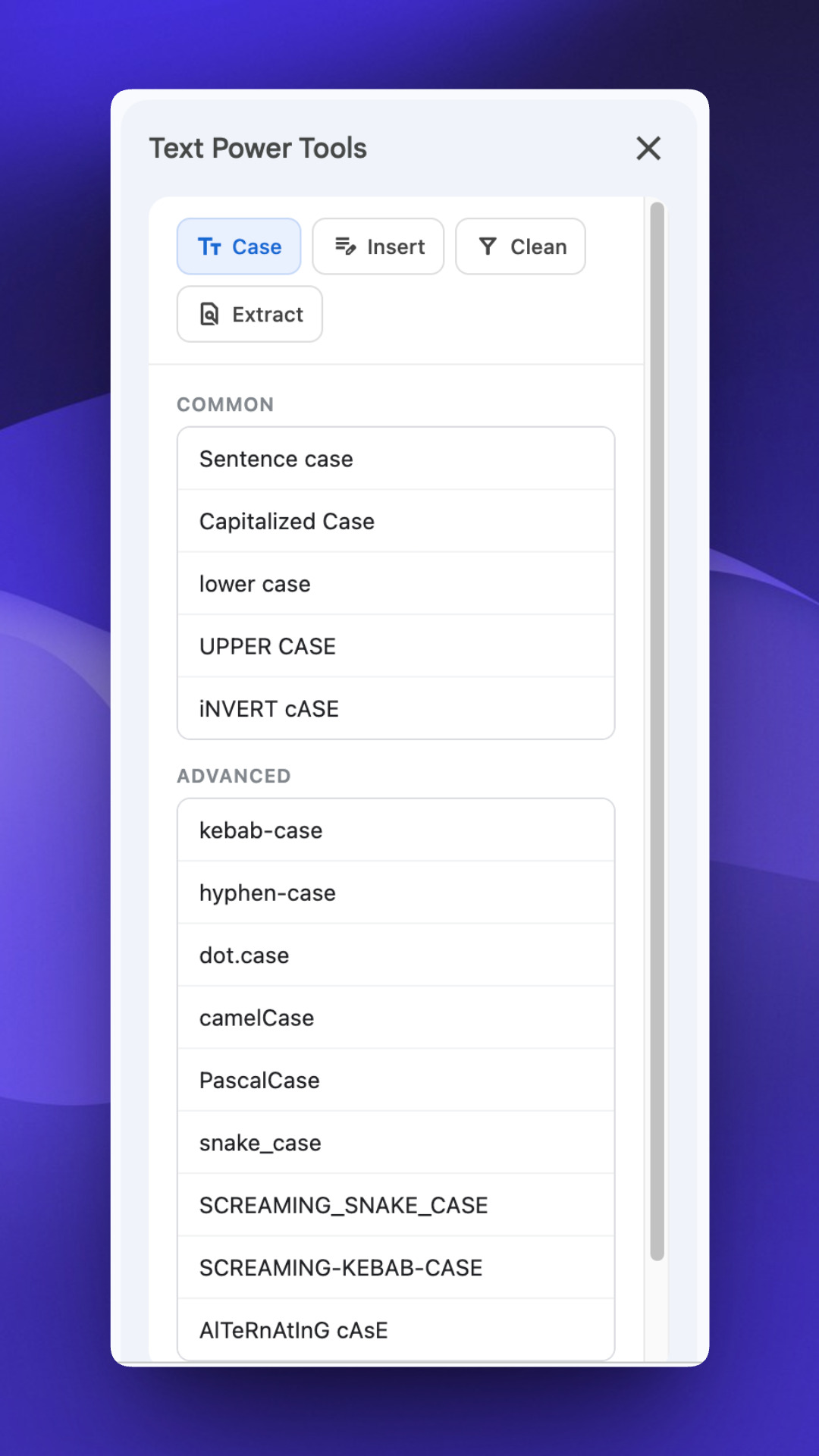
Convert capitalization formats in one click, from everyday formats to developer-friendly naming styles.
- Common modes: Sentence case, Capitalized Case, lower case, UPPER CASE, iNVERT cASE.
- Advanced modes: camelCase, PascalCase, snake_case, kebab-case, dot.case, and more.
Insert
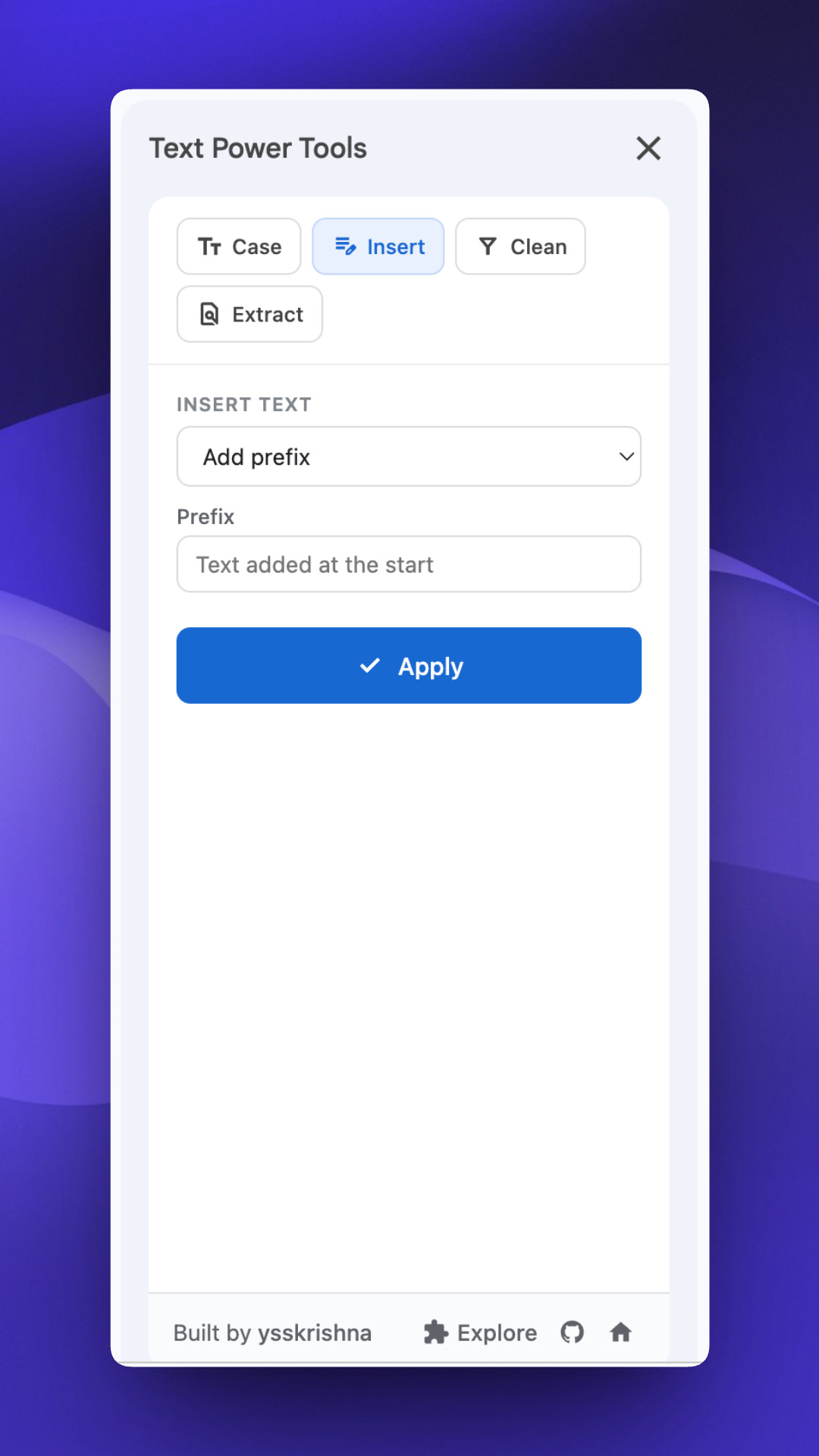
Add or inject text without writing formulas.
- Prefix and suffix: Add text before, after, or both.
- Insert at position: Place text at a 1-based character index.
Clean
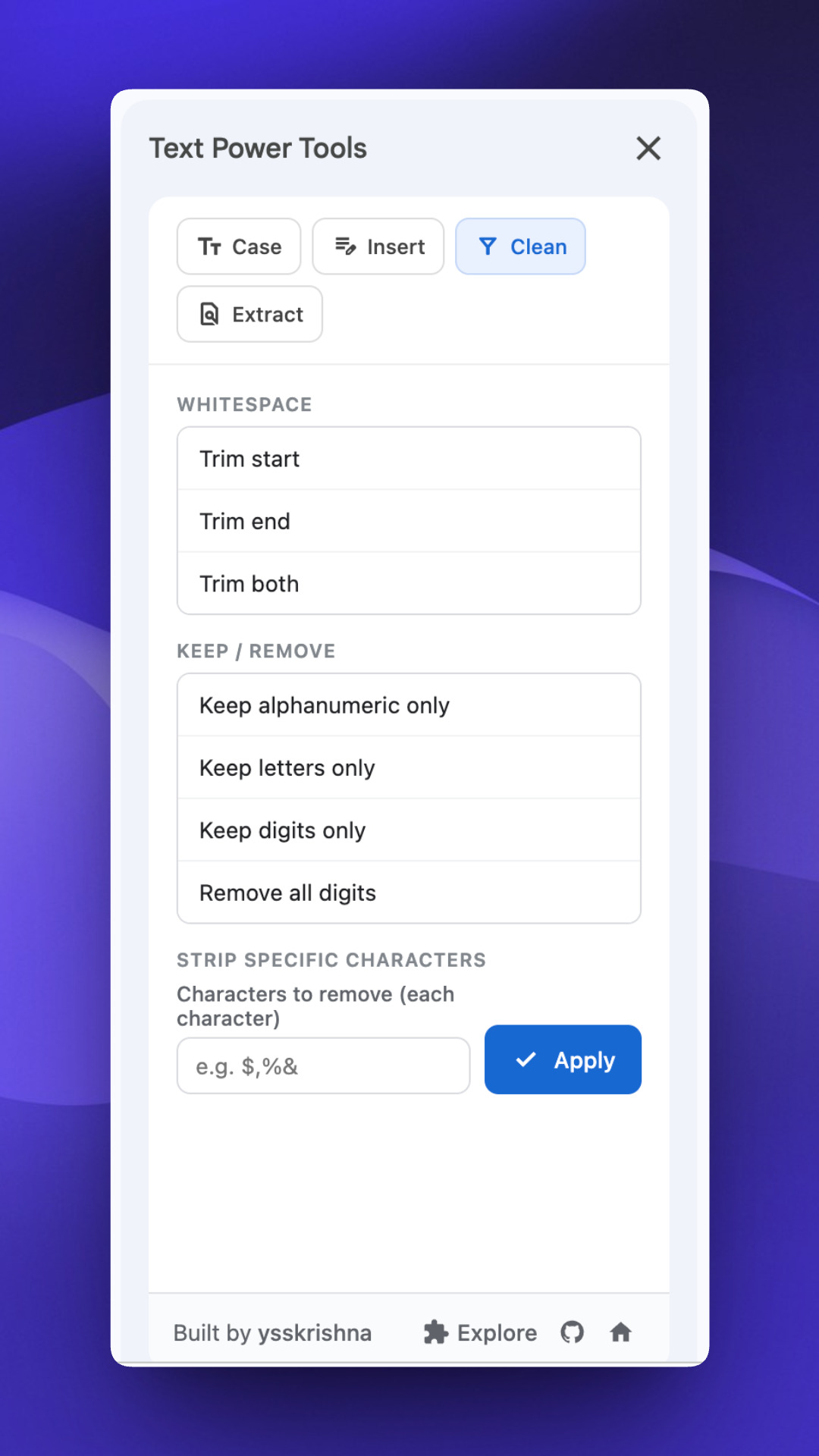
Standardize messy values with quick cleanup actions.
- Whitespace controls: Trim start, end, or both sides.
- Keep or remove: Keep letters or digits, remove digits, or keep alphanumeric only.
- Strip specific chars: Remove every occurrence of characters you provide.
Extract
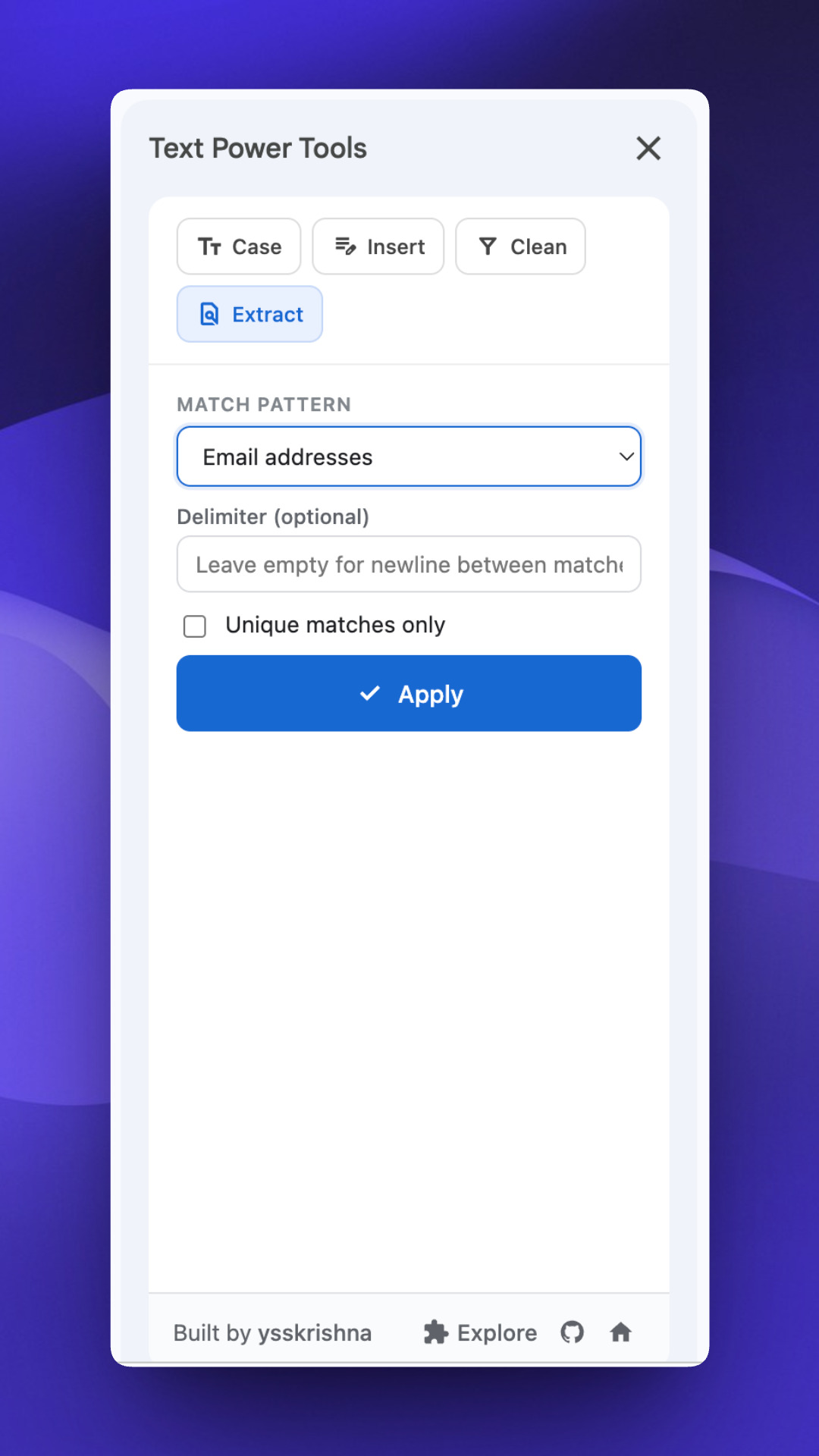
Find and keep only useful patterns from cell text.
- Presets: Emails, URLs, phone numbers, hashtags, mentions, dates, and time values.
- Custom regex: Bring your own pattern with join delimiter and unique-match options.
Text Power Tools — Examples Workbook
The public workbook demonstrates real Before → After results for major transformations.
| Sheet (tab) | What it shows |
|---|---|
Case | Case conversion examples from sentence case to coding-friendly formats |
Insert | Prefix, suffix, and insert-at-position transformations |
Clean | Trimming whitespace and filtering/removing selected character classes |
Extract | Pattern extraction for emails, URLs, hashtags, dates, and custom regex |
Why users love Text Power Tools
- Speeds up repetitive text cleanup directly inside Google Sheets.
- Keeps workflows formula-free for common text transformations.
- Works on selected ranges with predictable in-place updates.
- Combines cleanup and extraction in a compact sidebar UI.
Screenshots